Stop Losing Focus Chasing Docs Across Tabs
It started with a simple idea:
“What if I could read docs like a book?”
Not in a browser. Not surrounded by cookie banners, pop-ups, or “Try our Enterprise plan!” ads.
Just clean, focused documentation — in a format that works anywhere, especially when the internet doesn't.
So I built the thing I wanted:
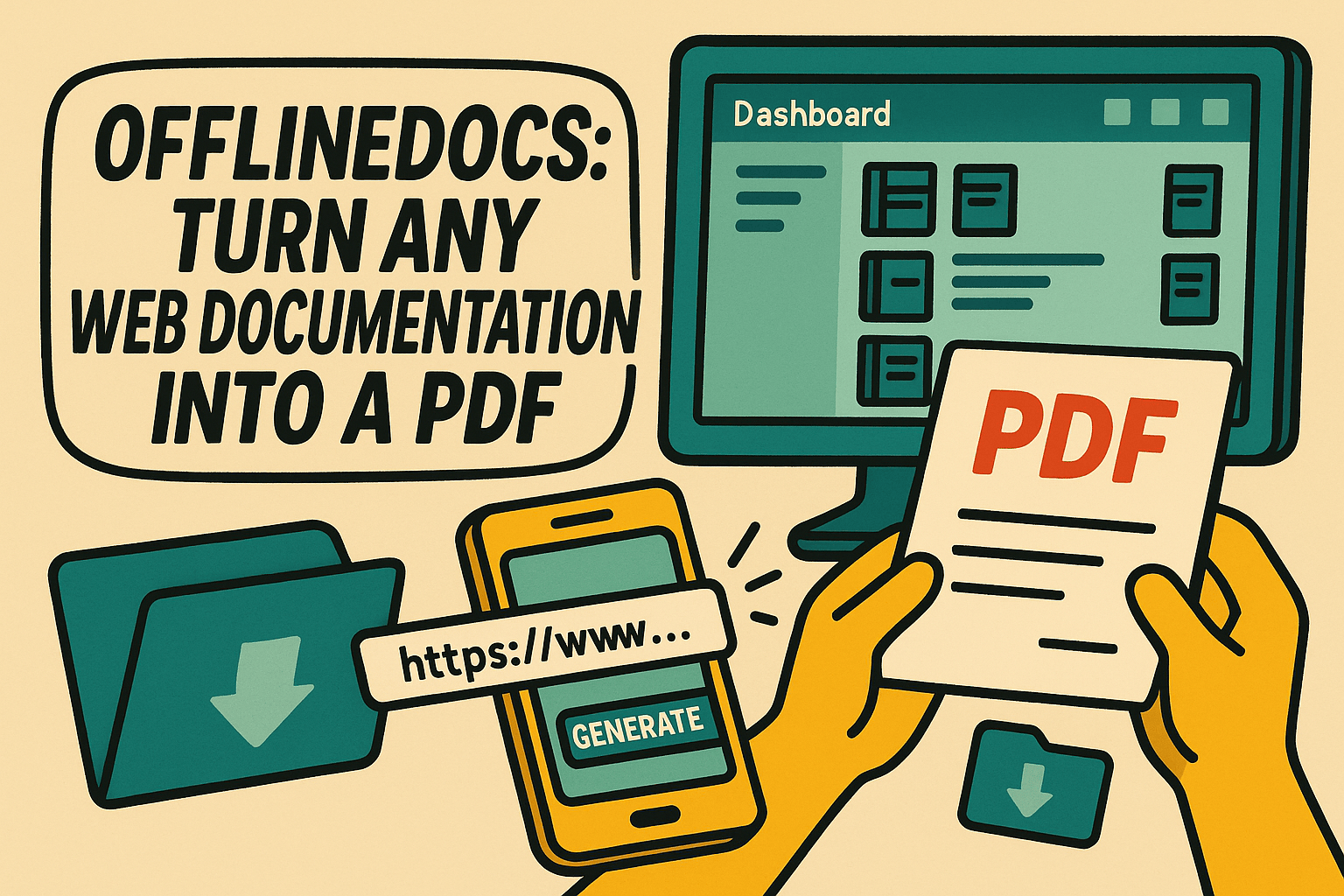
📘 OfflineDocs — a tool that turns any web-based developer documentation into a clean, readable PDF.
Whether you're learning on the train, printing docs for deep focus, or just tired of juggling 9 open tabs — this changes everything.
Table of Contents
- Why Online Docs Drive You Nuts
- So I Made Something Better
- How OfflineDocs Works (It’s Stupid Simple)
- Why PDFs? Seriously?
- Who This Is For
- What Can You Convert?
- Transparent Pricing, No Gimmicks
- TL;DR — OfflineDocs in One Sentence
- Ready to Reclaim Your Focus?
Why Online Docs Drive You Nuts
As devs, we live in docs. But most of them are:
- Drowning in sidebars and banners
- Glued to a stable internet connection
- Painful to read on small screens
- Inconsistent in layout, structure, and formatting
- Designed to keep you clicking, not learning
Sound familiar?
You start reading a guide on React Router. Ten minutes later you’ve:
- Opened 4 new tabs
- Lost the original link
- Gotten distracted by a Slack ping
- And now you're doomscrolling HN
So I Made Something Better
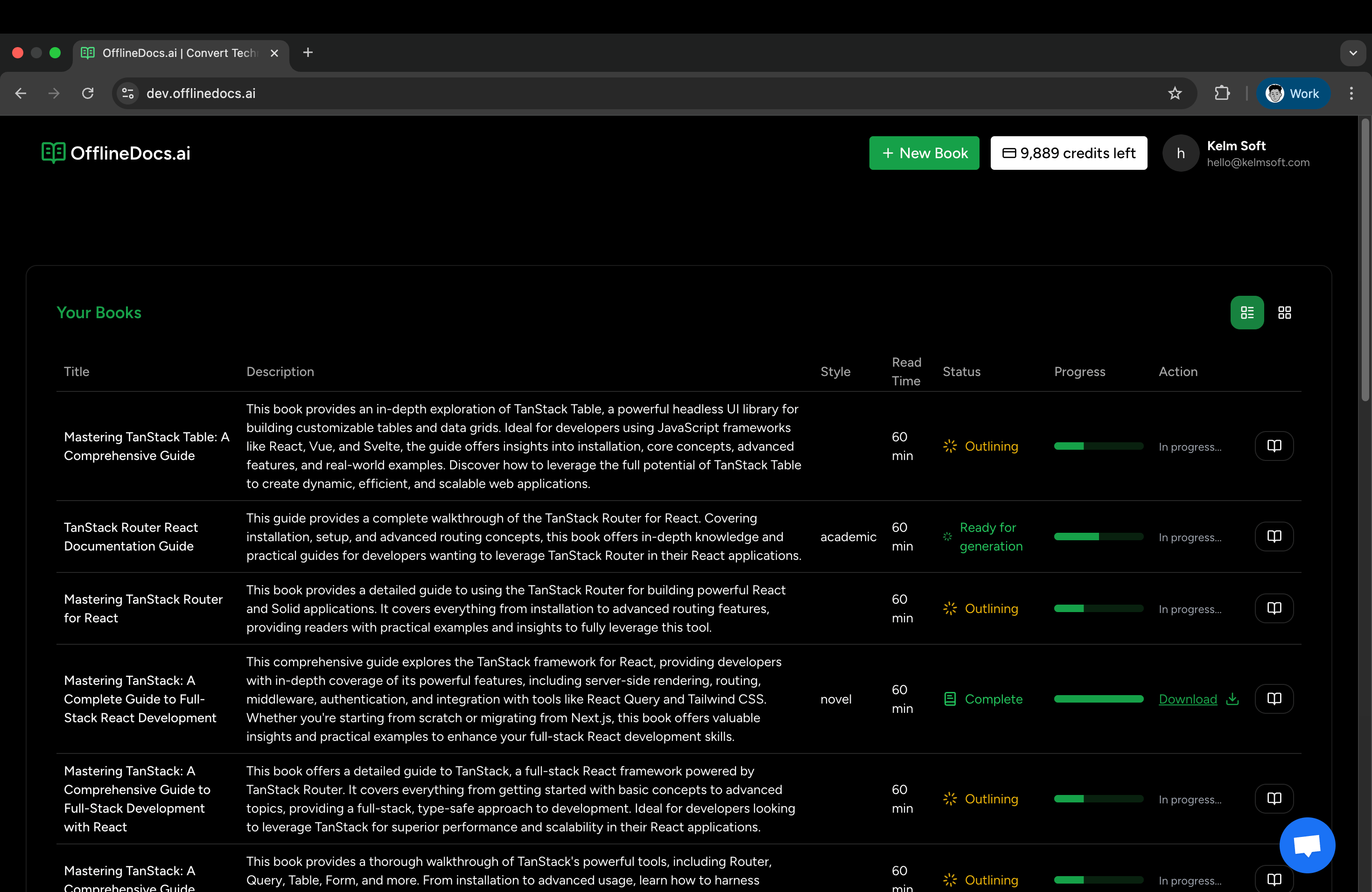
OfflineDocs lets you take back control.
It's an offline documentation generator that does one job — really well:
✅ Turn any developer documentation into a beautiful, offline-first, distraction-free PDF.
No browser required. No ads. Just you, the docs, and focus.
Here’s how it works.
How OfflineDocs Works (It’s Stupid Simple)
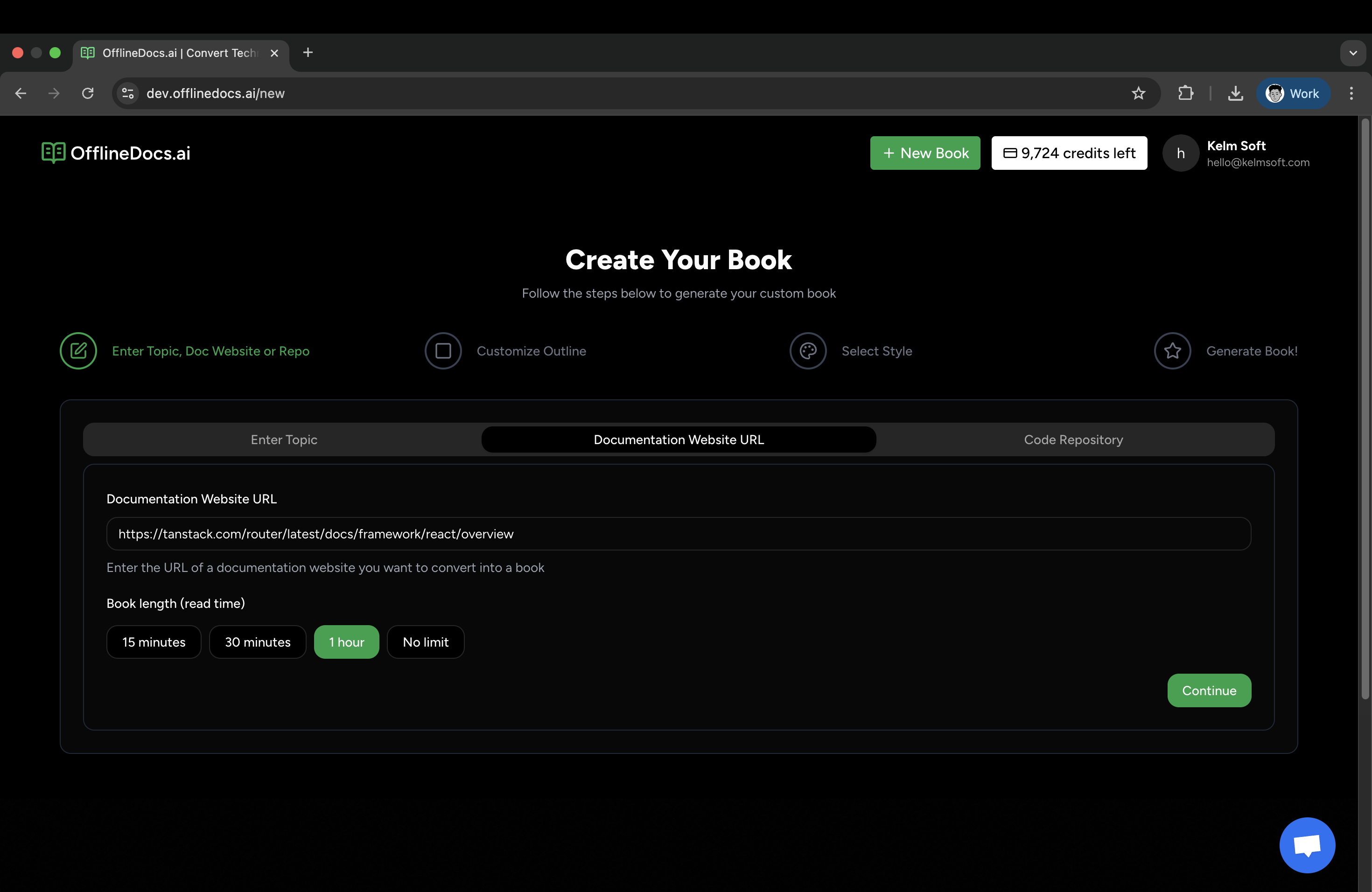
1. 🔗 Paste the Docs URL
Got a guide you love? Paste it in.
React docs? TanStack? Jest? Your internal wiki? It works.
You can even set a reading duration (15 min, 30 min, 1 hr) to scope your PDF to what you actually need.
2. 🤖 AI Generates an Outline for You
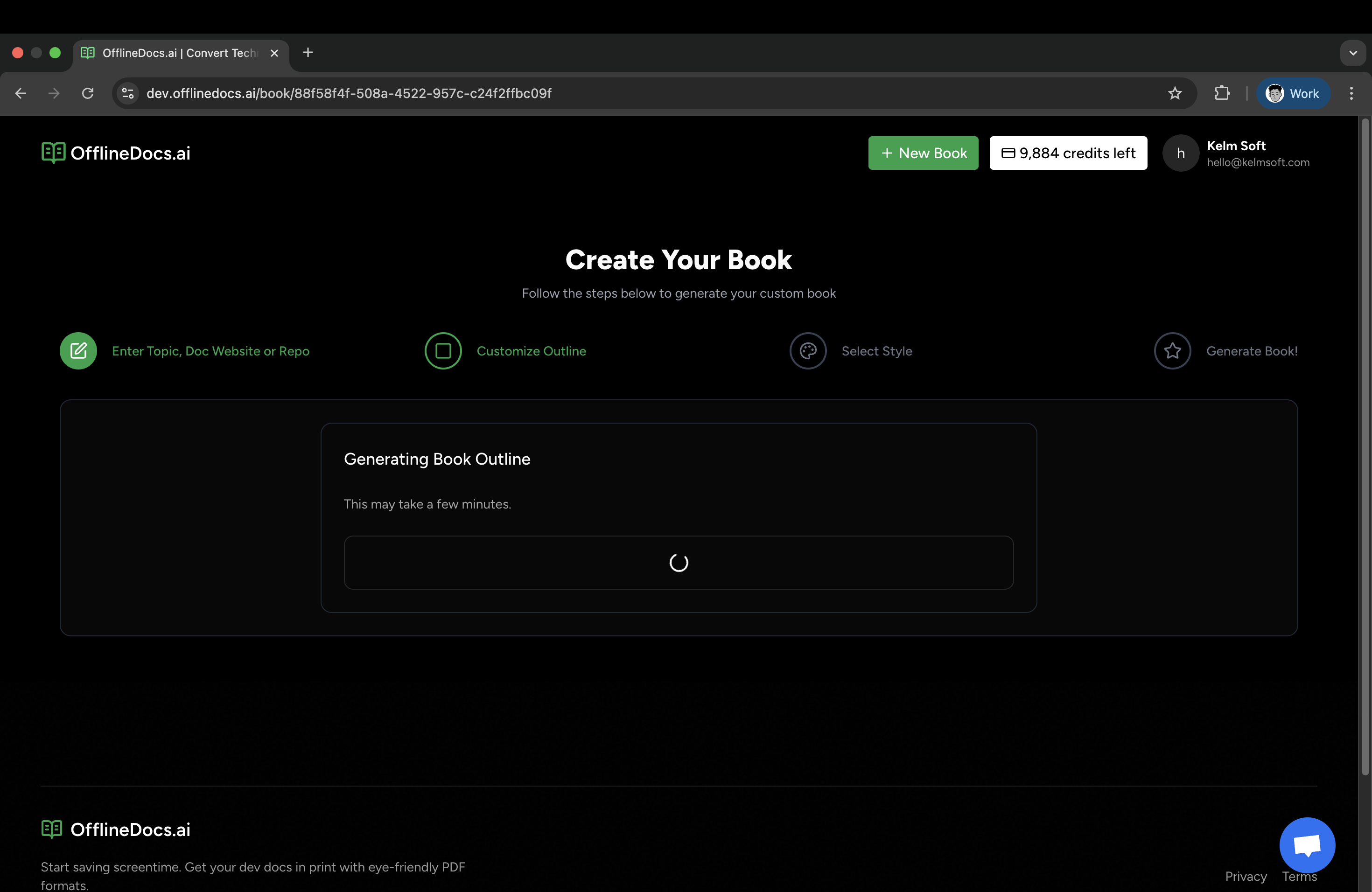
Our AI engine crawls the page, builds a clean outline, and shows you exactly what’s included.
Skip the scraping. No messy formatting.
Just a structured table of contents that makes sense.
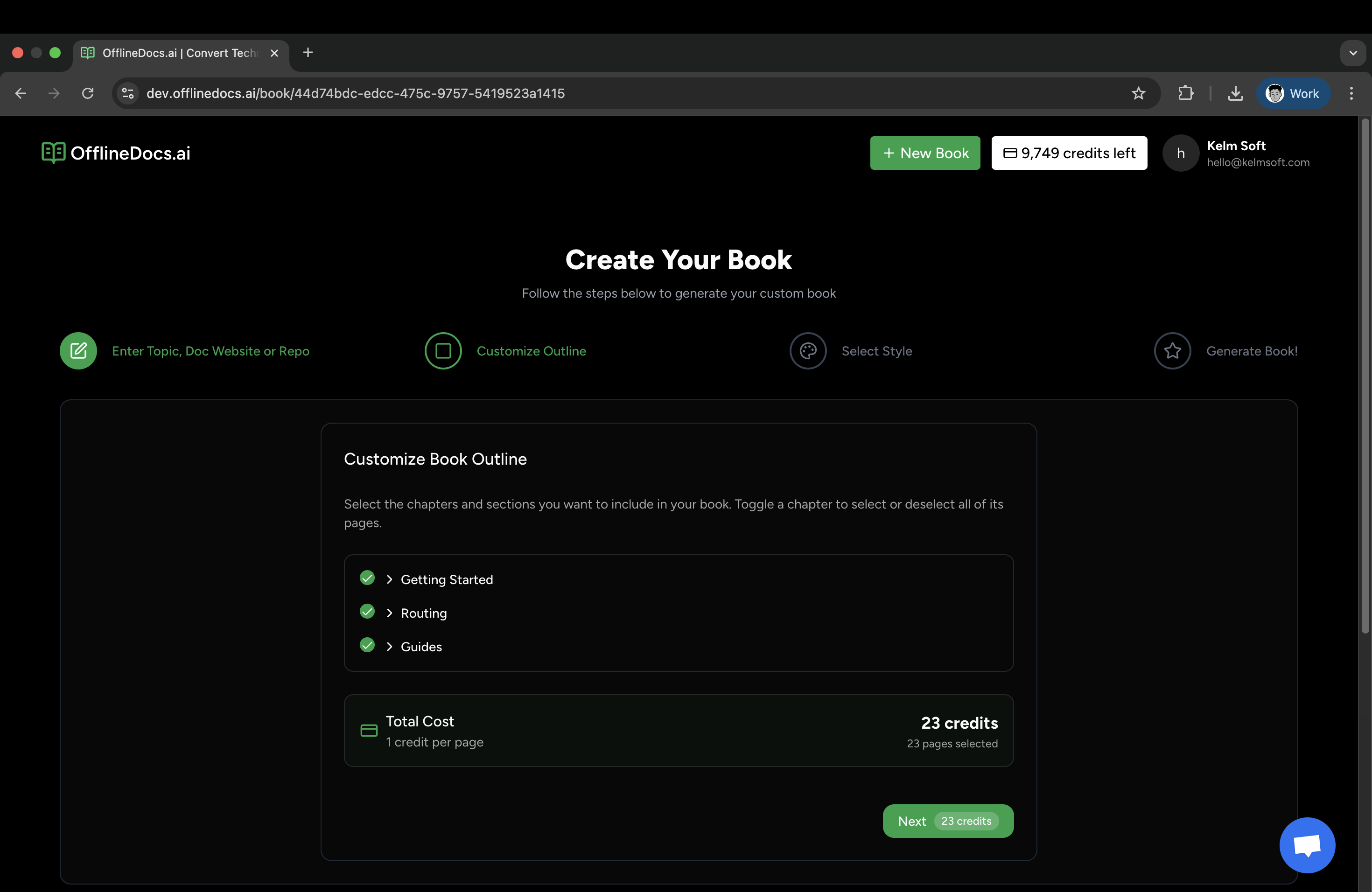
3. ✍️ Pick Your Chapters
Don’t need the installation section for the 100th time?
Toggle it off.
Only want the advanced bits? Keep those.
You get full control over what makes the cut.
4. 🎨 Choose Your Vibe
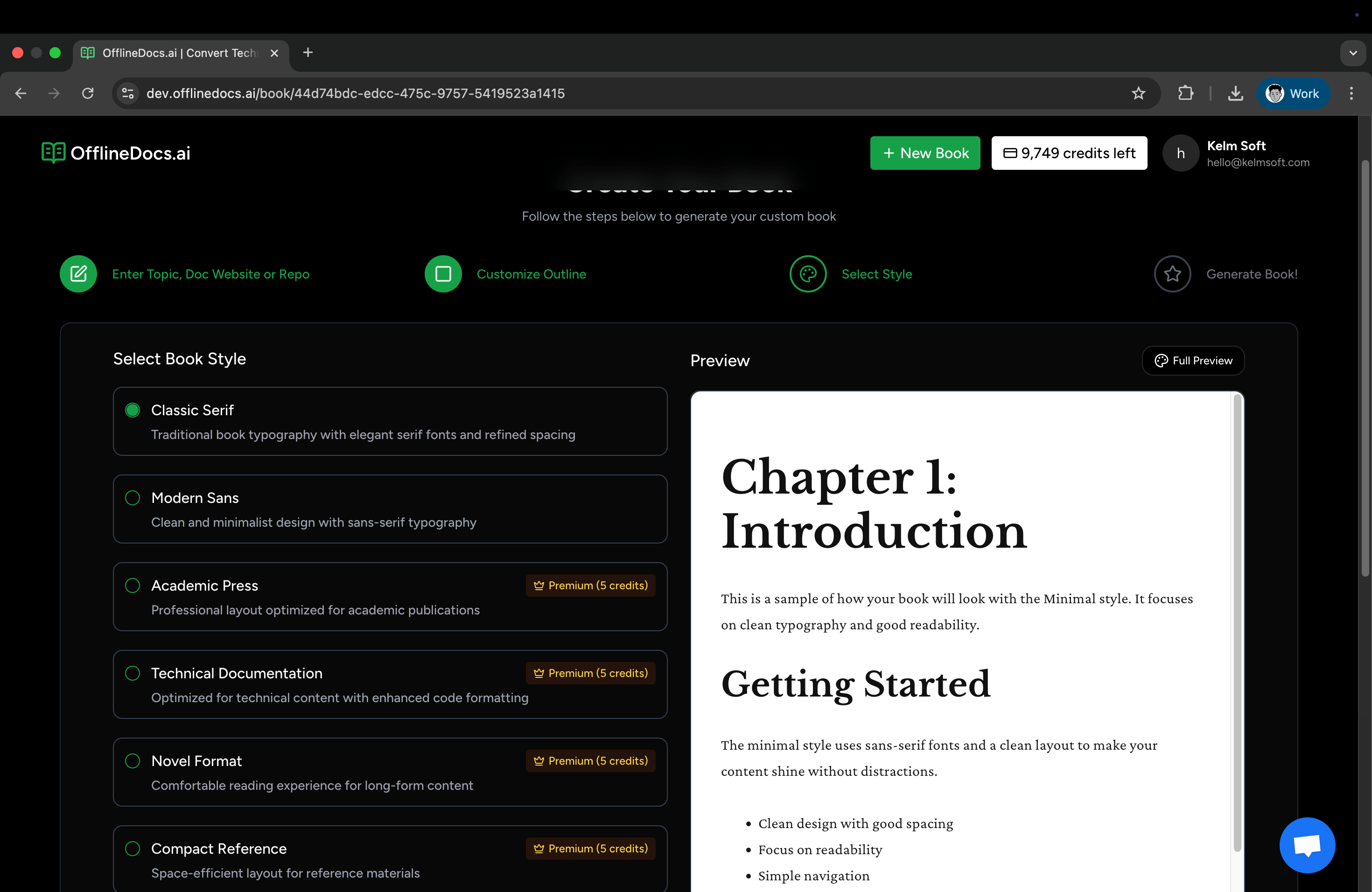
Pick from multiple reader-friendly styles:
- Classic Serif – bookworm elegance
- Modern Sans – clean and fast
- Technical – perfect for code-heavy content
- Academic Press – for serious study sessions
- Novel Format – smooth longform reads
- Compact Reference – dense but beautiful
5. 🧮 Preview + Cost Breakdown
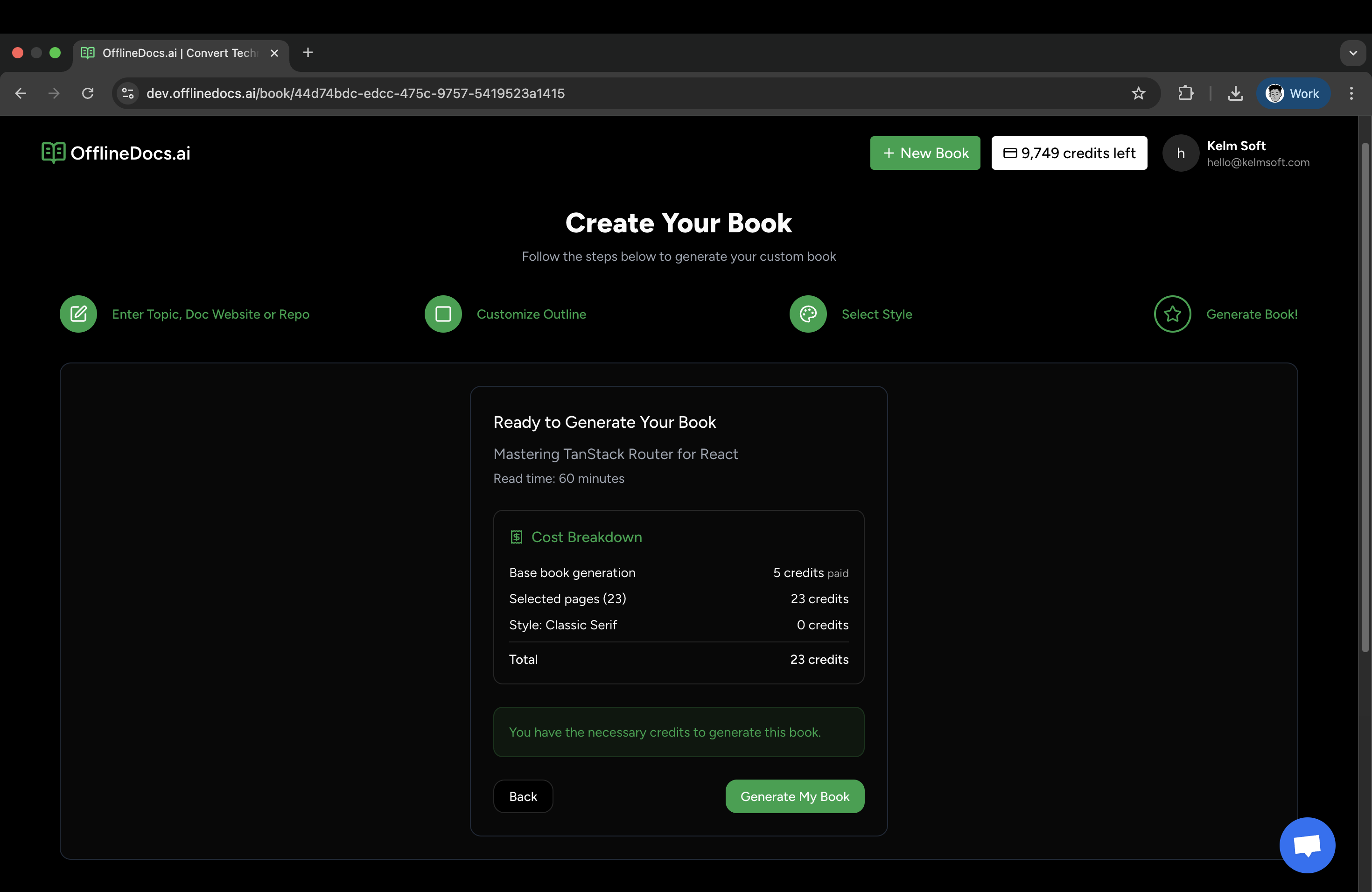
Each PDF is powered by credits (1 credit = 1 page).
No subscriptions. No surprises.
You see the page count and credit cost before you hit “Generate.”
6. 📥 Download and Read Anywhere
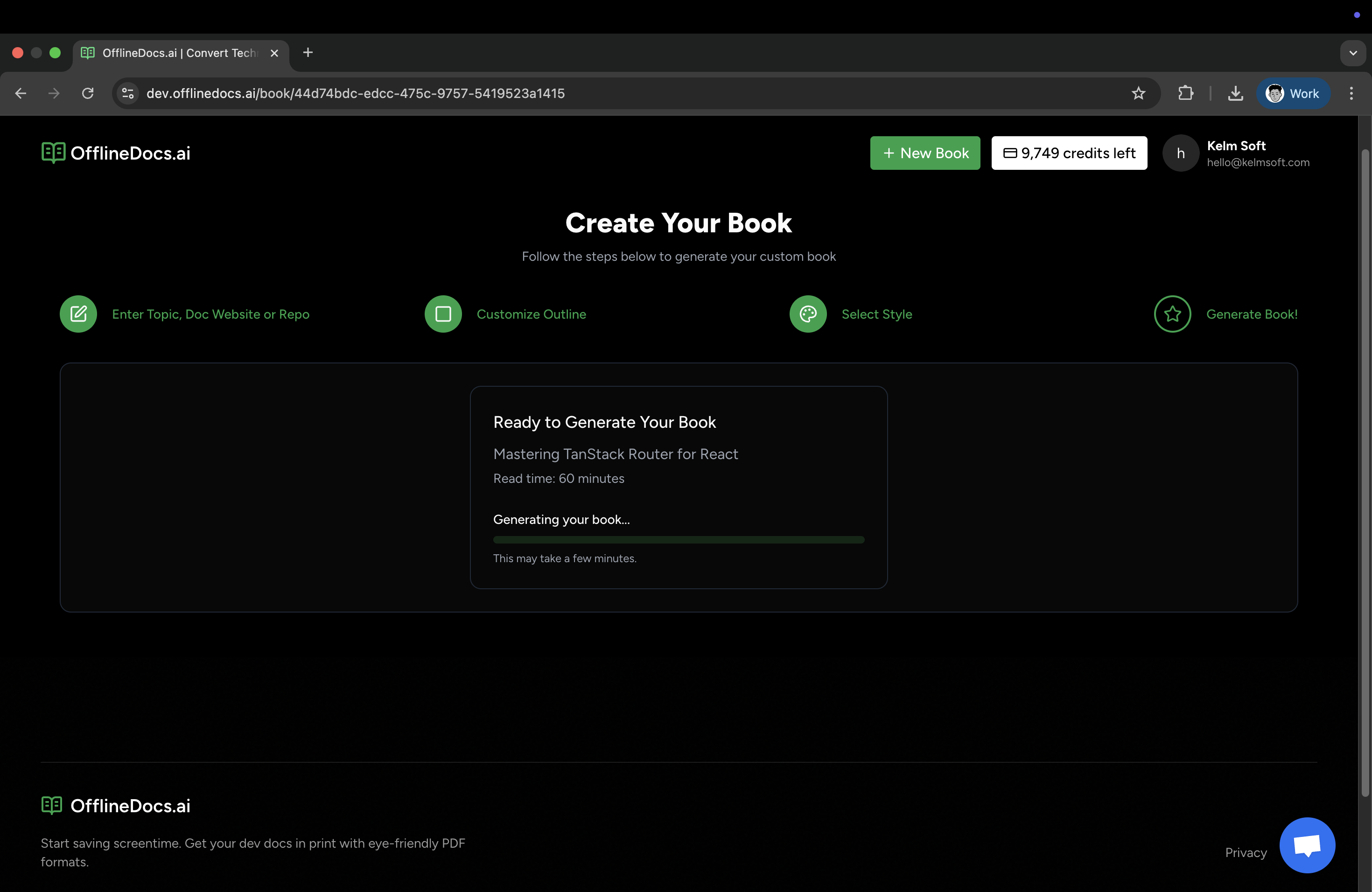
Get your fully formatted, bookmarked, offline-ready PDF.
Open it on your Kindle. Read on your iPad. Print it for analog deep work.
It’s yours to keep.
Forever.
Why PDFs? Seriously?
Why would you convert docs to PDF? Because they just work:
- ✅ Searchable
- ✅ Printable
- ✅ Bookmarked
- ✅ Offline-ready
- ✅ No surprise layout changes
PDFs don’t glitch. They don’t notify. They don’t ask you to sign up for a mailing list.
They just sit there — quietly waiting to be read.
Who This Is For
- 🚊 Devs who learn on commutes, flights, or dead zones
- 👓 Screen-fatigued readers who want a break from light mode
- 📚 Framework nerds building a personal reference library
- 🎯 Anyone tired of bouncing between 7 open tabs while learning
- 🧠 Deep thinkers who learn better with a pen and a margin
If you’ve ever CTRL+F’d 5 pages looking for the same example — yeah, this is for you.
What Can You Convert?
OfflineDocs works with virtually any developer documentation:
- Frontend Frameworks: React, Vue, Svelte, Angular docs
- Backend & APIs: Node.js, Python, Go, Rust documentation
- Libraries: TanStack Query, Redux, Prisma, and more
- AI & ML: Anthropic, OpenAI, LangChain guides
- Your Own Docs: Internal wikis, GitHub READMEs, any public URL
If it's on the web and has docs — you can probably turn it into a PDF.
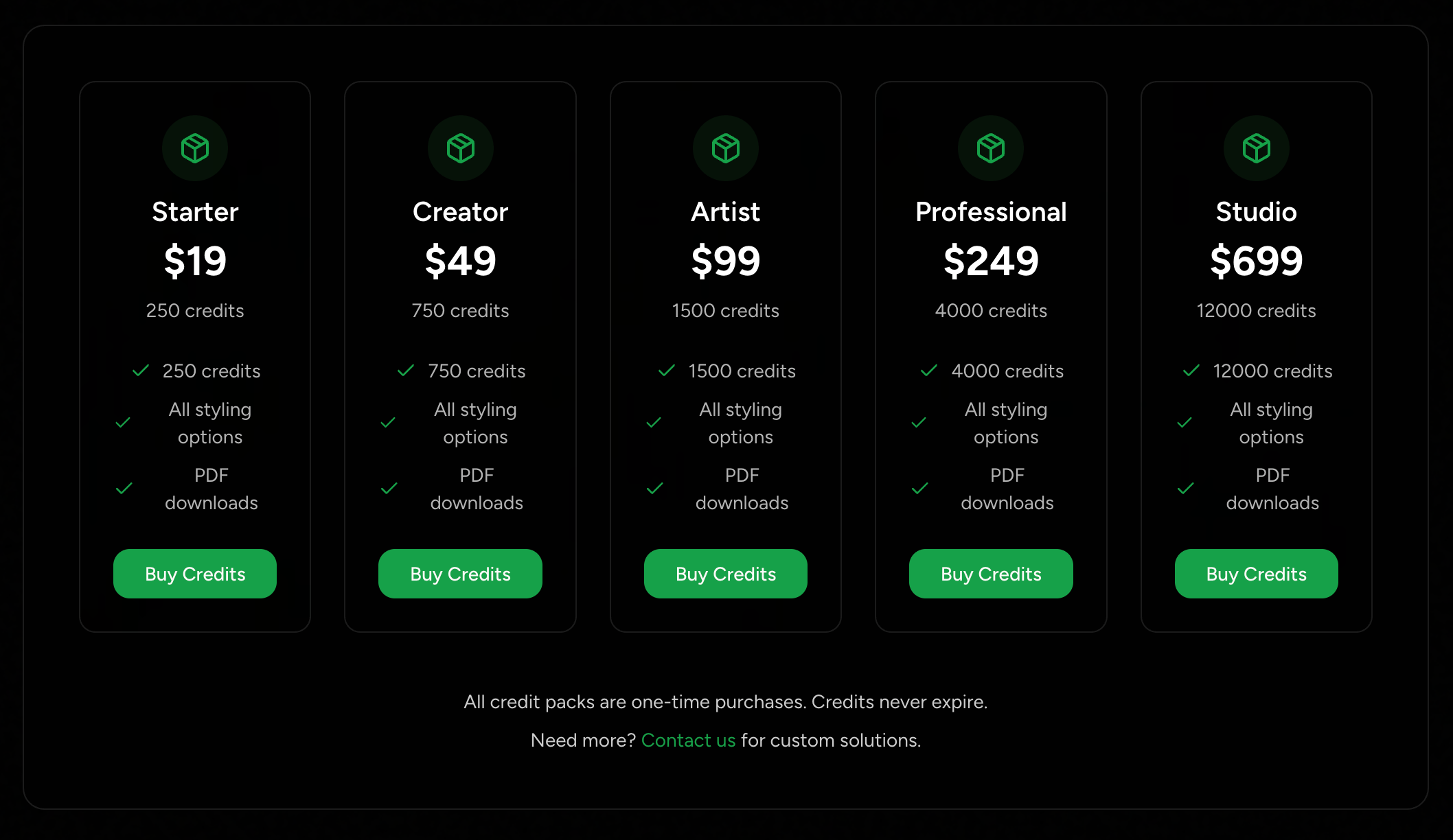
Transparent Pricing, No Gimmicks
- 1 credit = 1 page
- Free samples to test before you commit
- Packs start at $19 for 250 credits
- Most popular: $49 for 750 credits (plenty for your full-stack stack)
No subscriptions. No limits. No nonsense.
TL;DR — OfflineDocs in One Sentence
A dead-simple way to turn any dev docs into clean, readable PDFs you can actually learn from — anytime, anywhere.
Ready to Reclaim Your Focus?
✅ No signup required to test
✅ Download samples instantly
✅ Works with any public documentation
Stop squinting at tabs.
Start learning like it's 2004 — but with dark mode.
Let your brain focus. Let your docs travel with you.
Let learning feel good again.
Ready to Get Started?
Start creating your Offline Docs Now! Reduce screen time and save your eyes.